Resetting Using Vehicle Diagnosis Tester
03 - Service Procedures
Service Interval Display, Resetting
Service interval display must be reset at
• Vehicle delivery inspection
• Each oil change and interval service
(adapted)!
- Connect the vehicle tester.
- Switch ignition on.
- Press button/field: GUIDED FUNCTIONS.
If the displays indicated in the procedure are not shown on the display: Operating Instructions for Vehicle Diagnosis Tester
- Press the > button to confirm.
- Select in succession:
• Brand
• Model
• Model year
• Engine Code
- Confirm vehicle identification.
- Select in succession:
• "Instrument cluster" - ARROW -.
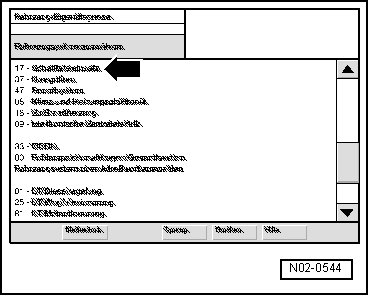
• "Rest service interval display".
- Perform Adaptation according to instructions from "GUIDED FUNCTIONS".
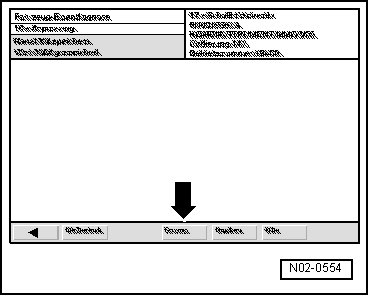
End Adaptation
Indicated on display:
- Press the Go to button - arrow - on display.
Indicated on display:
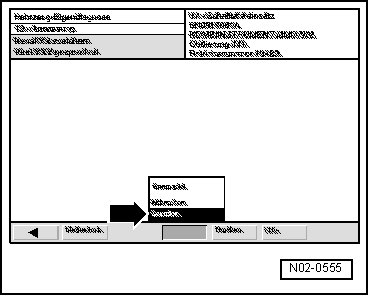
- Press Exit button - arrow - on display.
- Press Exit button in exit menu.
- Turn off ignition and disconnect diagnostic connection.
- Switch ignition on.
After switching on the ignition, service event is no longer indicated in the odometer display in the instrument panel insert.
• The service interval display can also be reset manually. When resetting the service interval display manually, make sure the vehicle is coded for fixed intervals.