Steering Pad Switch RH
Audio & Visual System Location:
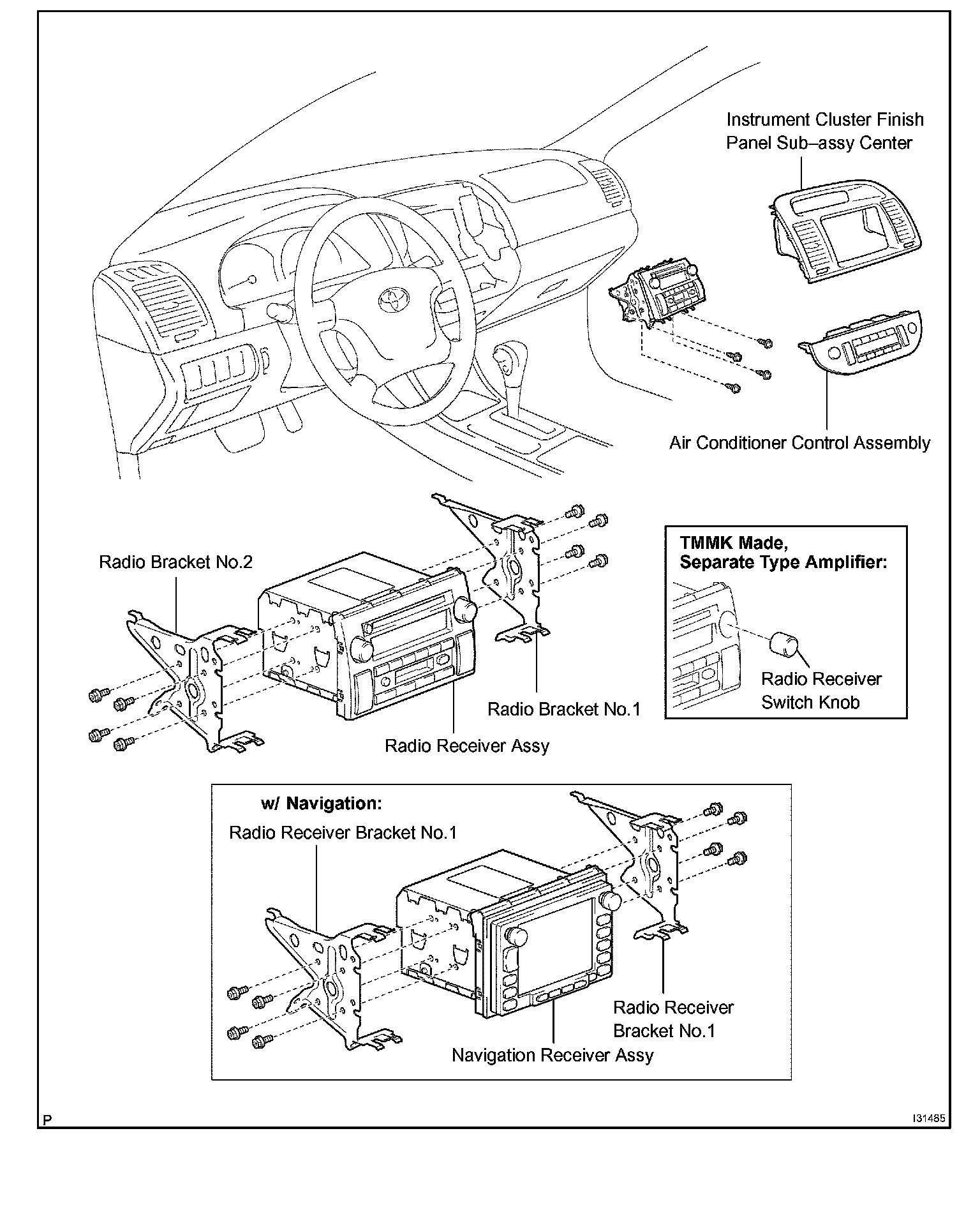
Audio & Visual System Location:
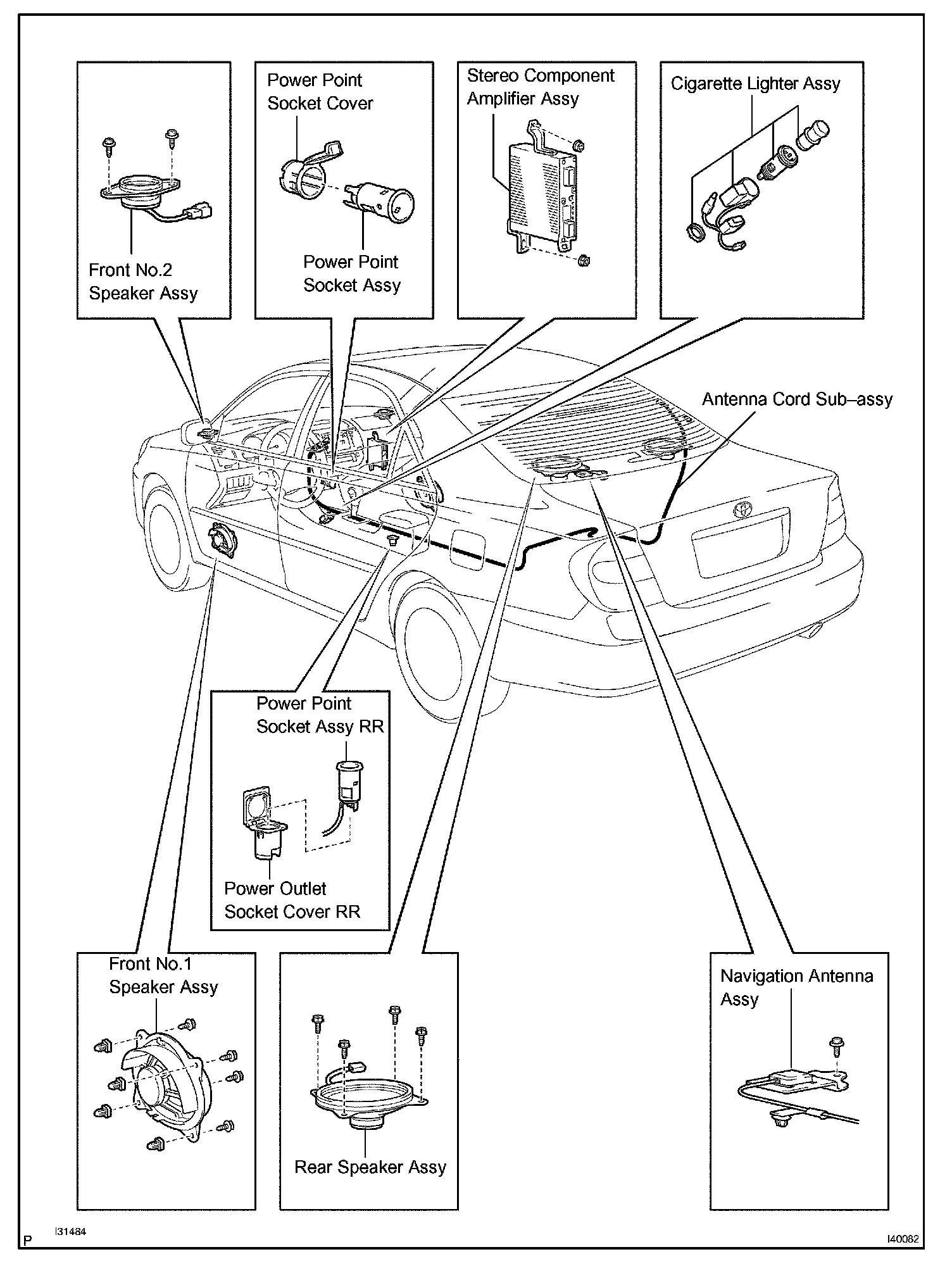
Audio & Visual System Location:
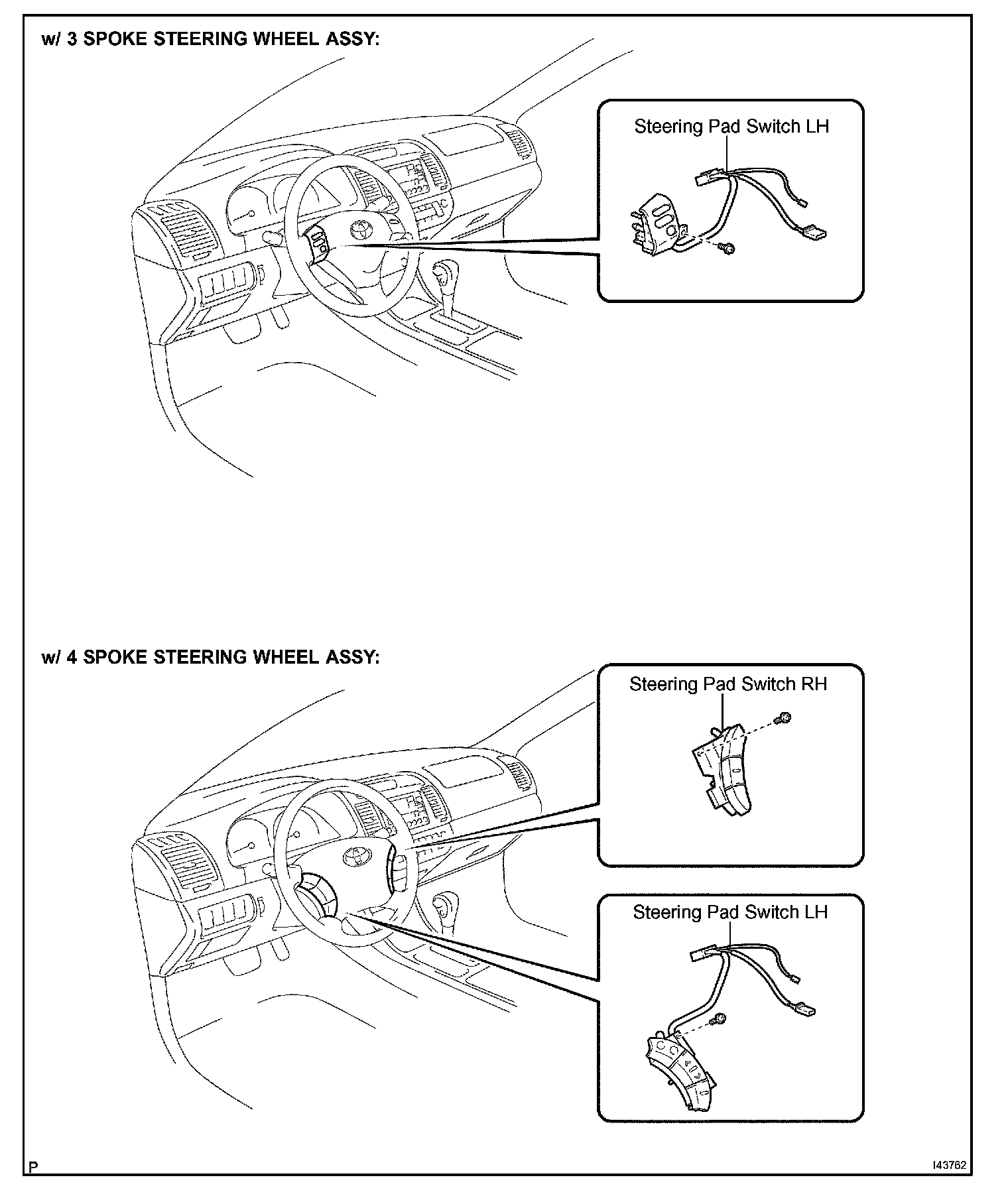
REPLACEMENT
HINT: Installation is in the reverse order of removal.
1. PRECAUTION
Observe Air Bag Systems; Service Precautions.
2. DISCONNECT BATTERY NEGATIVE TERMINAL
3. REMOVE STEERING WHEEL COVER LOWER NO.2
4. REMOVE STEERING WHEEL COVER LOWER NO.3
5. REMOVE HORN BUTTON ASSEMBLY
6. REMOVE STEERING PAD SWITCH RH
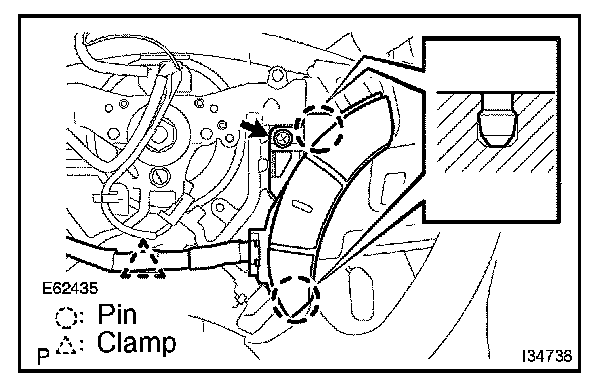
a. Remove the screw.
b. Remove the clamp.
c. Disengage the 2 pins and release the steering pad switch RH from the steering wheel.
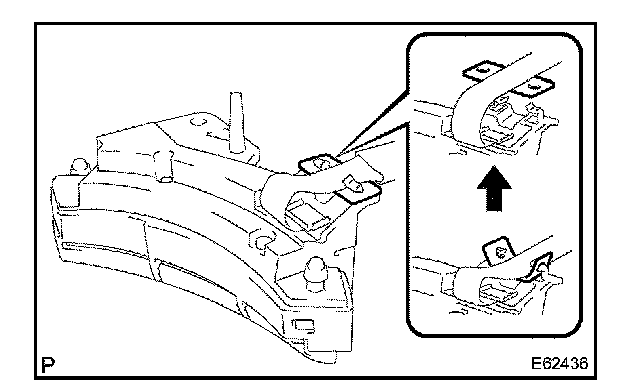
d. Release the tab of steering pad switch cable from the steering pad switch RH as shown in the illustration.
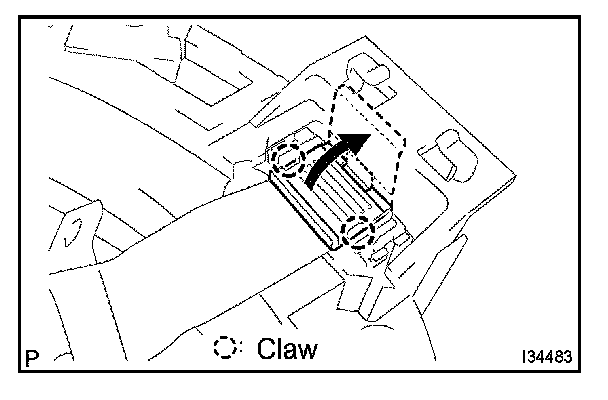
e. Disengage the 2 claws as shown in the illustration and open the latch on the top of the connector.
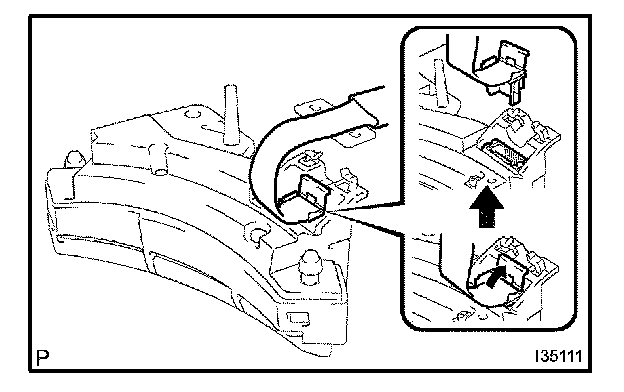
f. Pull out the connector while pinching the latch with fingers and disconnect the steering pad switch cable from the steering pad switch RH.
7. INSTALL HORN BUTTON ASSEMBLY
8. CONNECT BATTERY NEGATIVE TERMINAL
9. INSPECT SRS WARNING LIGHT