Work Support Mode
WORK SUPPORT MODE
Display Item List
Engine Brake Adjustment
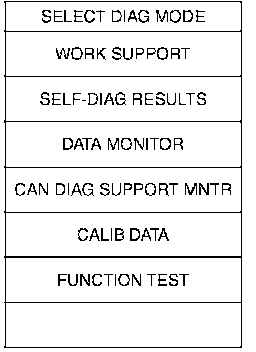
1. Perform "CONSULT-II SETTING PROCEDURE" Refer to CVT-63, "CONSULT-II SETTING PROCEDURE". Consult-II Setting Procedure
2. Touch "WORK SUPPORT".
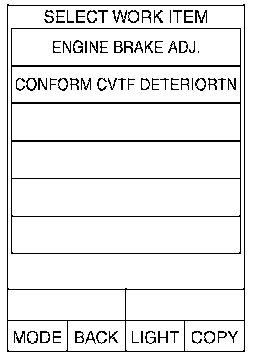
3. Touch "ENGINE BRAKE ADJ".
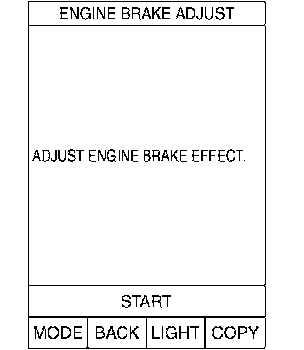
4. Touch "START".
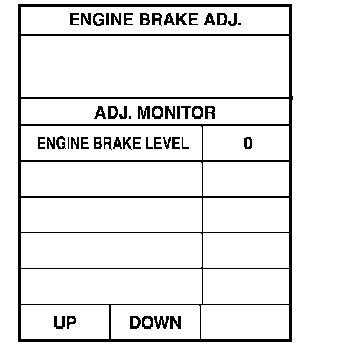
5. Set "ENGINE BRAKE LEVEL" by touching "UP" or "DOWN".
"ENGINE BRAKE LEVEL"
0: Initial set value (Engine brake level control is activated)
OFF: Engine brake level control is deactivated.
6. Turn ignition switch OFF, wait at least 5 seconds and then turn ignition switch ON.
7. Engine brake level set is completed.
CAUTION: Mode of "+1" "0" "-1" "-2" "OFF" can be selected by pressing the "UP" "DOWN" on CONSULT-II screen. However, do not select mode other than "0" and "OFF". If the "+1" or "-1" or "-2" is selected, that might cause the irregular driveability.
Check CVT Fluid Deterioration Date
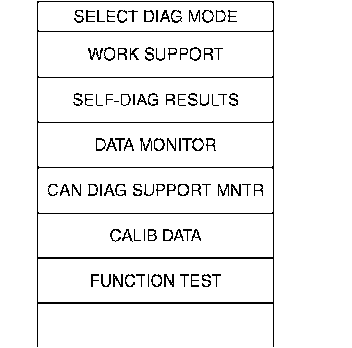
1. Perform "CONSULT-II SETTING PROCEDURE" Refer to CVT-63, "CONSULT-II SETTING PROCEDURE". Consult-II Setting Procedure
2. Touch "WORK SUPPORT".
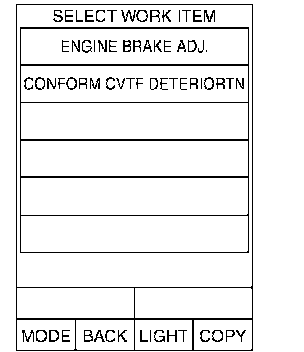
3. Touch "CONFORM CVTF DETERIORTN".
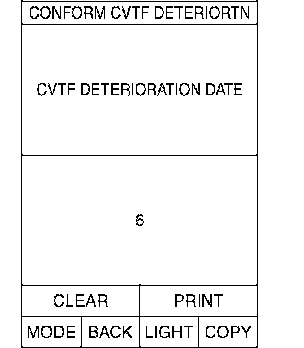
4. Check"CVTF DETERIORATION DATE"
"CVTF DETERIORATION DATE" More than 210000: It is necessary to change CVT fluid.
Less than 210000: It is not necessary to change CVT fluid.
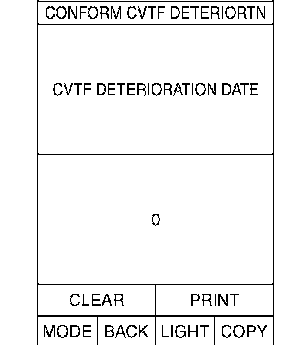
CAUTION: Touch "CLEAR" after changing CVT fluid, and then erase "CVTF DETERIORATION DATE".