Clear Memory Mode
1. Start the engine.
2. Push "OPEN/CLOSE" switch and then open the display.
3. Push "SETTING" switch.
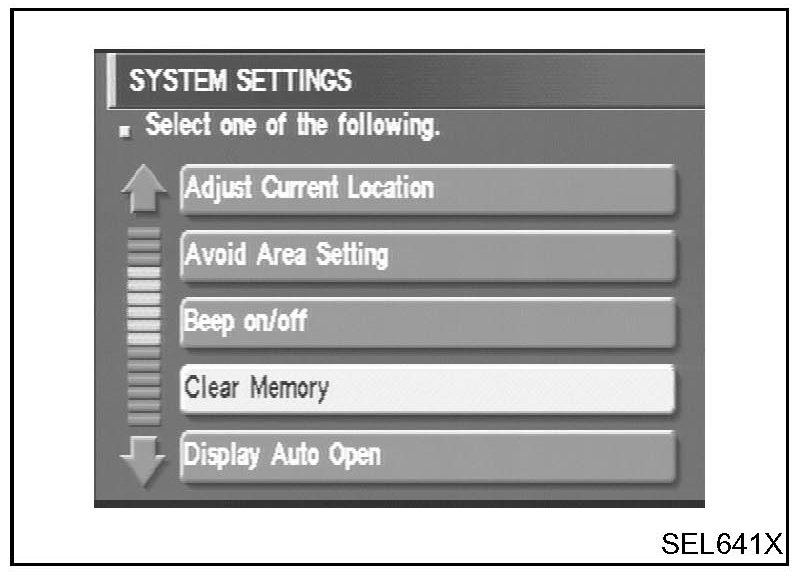
4. Select "System Setting".
5. Select "Clear Memory".
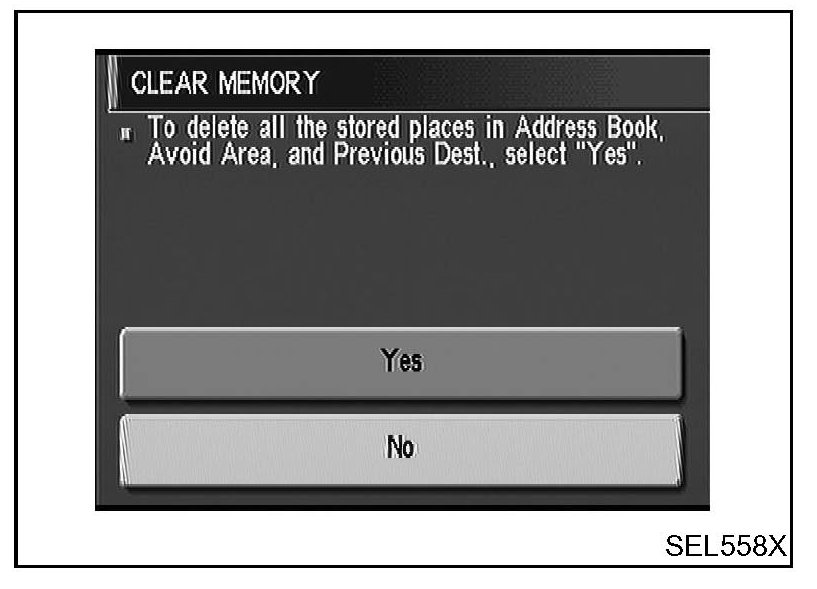
6. To delete all the stored places in "Address Book", "Avoid Area" and "Previous Dest", select "Yes".