Instrument Panel Storage Compartment - Replacement
REMOVAL PROCEDURE
1. Disable the SIR system. Refer to Disabling the SIR System in SIR.
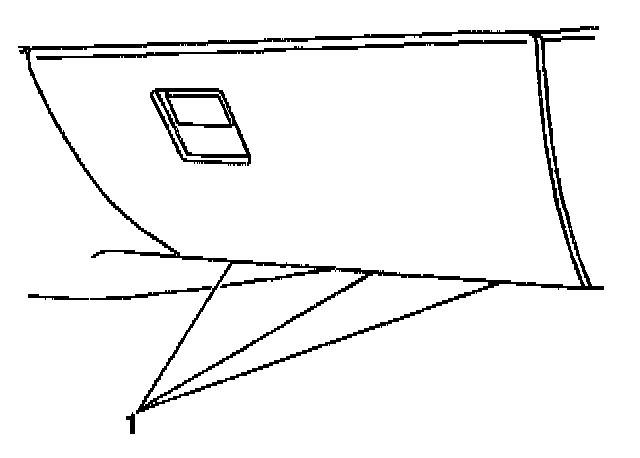
2. Remove the retaining screws (1) from the instrument panel.
3. Remove the compartment.
INSTALLATION PROCEDURE
NOTE: Refer to Fastener Notice in Service Precautions.
Install the retaining screws (1) into the instrument panel. Ensure the unit is retained.
Tighten
Tighten the screws to 2 N.m (18 lb in).