Security Code, Identifying (Diagnostic Test Command 55 #)
Use the following procedure when phone programming is not possible due to an unknown or forgotten six-digit security code. This procedure is also used to determine a forgotten lock code or phone number.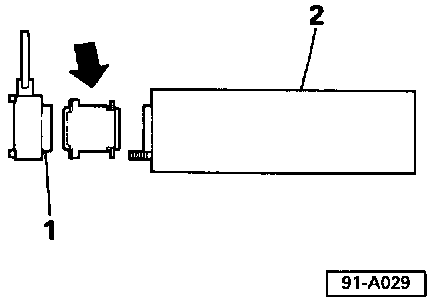
- Insert test mode connector US 30844 (arrow) in line between power cord (25-pin connector) -1- and transceiver -2-.
- Switch ignition ON.
- Switch phone ON by pressing "Pwr" button on handset. Handset readout displays two alternating sets of numbers
NOTE: This procedure can also be performed with the ignition switch OFF However when the phone is switched ON, the display may show "Loc'd". To proceed, press the -#- key to enter the test mode directly.
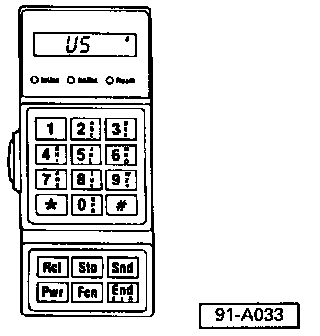
- Press -#- key to enter test mode.
Handset readout displays US with an apostrophe (') in the upper right hand corner.
- Enter diagnostic command 55 # by pressing keys -5-, -5-and -#-.
- Test mode programming begins on step 1.
- Five-digit system identification number is displayed (for example, 00000)
NOTE: Sixteen different steps, each containing telephone programming information, can be displayed during this test mode.
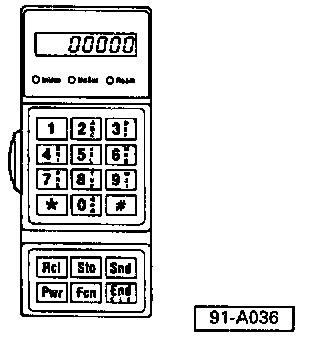
- * key: advances to next programming step
- # key: exits program mode
- Press -*- key six times to display six digit security code (step 7).
NOTE: Press -*- key two times to display phone number (step 3) or seven times to display three-digit unlock code (step 8).
- Write down needed information.
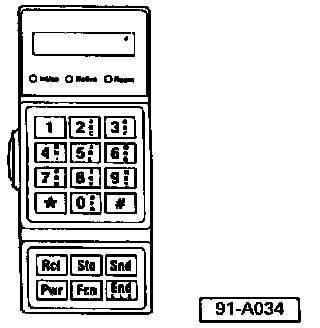
- Press -#- key to exit test mode.
- Handset readout displays an apostrophe (') in the upper right hand corner.
- Switch phone OFF and remove test connector.
Test mode programming chart (55#)
Step Numbers 1 Thru 6:
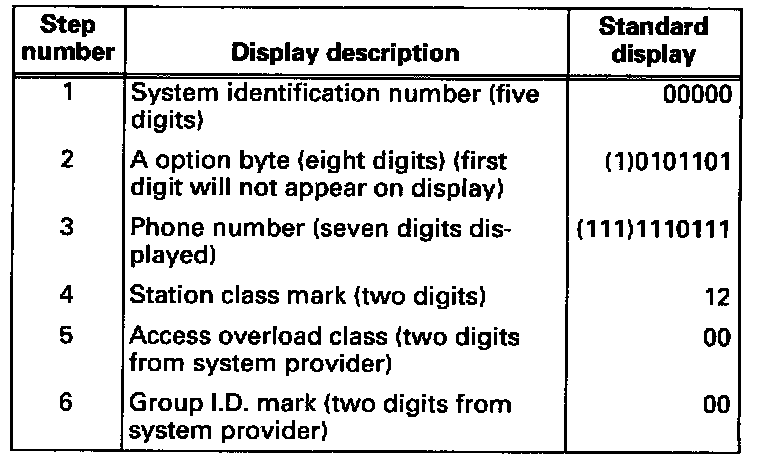
Step Number 1 - 6
Step Numbers 7 Thru 16:
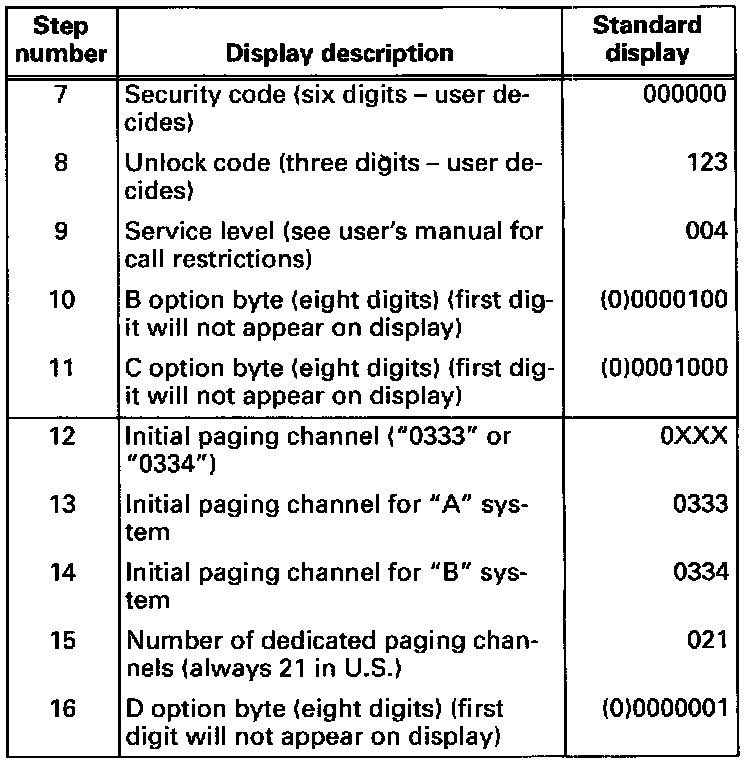
Step Number 7 - 16