Engine Control Module DTC Memory, Checking and Erasing
Engine Control Module DTC Memory, Checking and Erasing
Special tools, testers and auxiliary items required
• Vehicle diagnosis, testing and information system (VAS 5051 B), (VAS 5052) or (VAS 5053)
Connect the vehicle diagnosis, testing and information system (VAS 5051B) as follows:
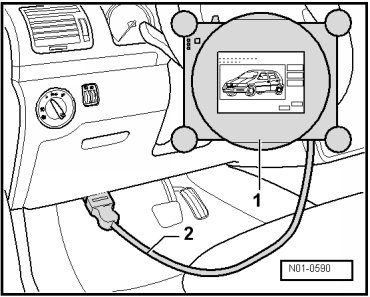
- Connect diagnostic cable connector - 2 - to Data Link Connector (DLC) in driver's foot well.
- Start engine and run at idle speed.
Only if engine does not start:
- Switch ignition on.
Selecting Operating Mode
- Press button on display for "Vehicle On Board Diagnostic (OBD)".
Selecting Vehicle System
- Press button "01 - Engine Electronics" on display.
The control module identification with coding - 2 - as well as Vehicle Identification Number (VIN) in center area and identification of anti theft immobilizer appear on the display.
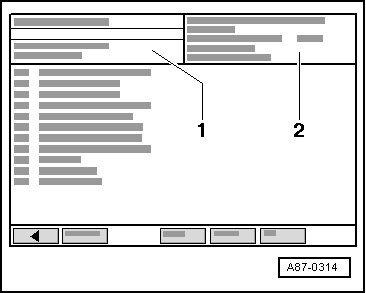
• A print out is available. Press the "print" button if required.
Selecting Diagnosis Function
- Press button "02 - Check DTC memory" on display.
- If no malfunction is stored in engine control module, "0 DTC(s) detected" is displayed.
- If malfunctions are stored in the engine control unit, these are shown one below another on the display.
- Press the <- key.
- Press button "05 - Erase DTC Memory" on display.
- Press function "06 - End Output".